The truth is that delivering a seamless hybrid meeting requires more than simply adding a webcam and hoping for the best. Room layout, audio pickup, camera quality, audience size, event purpose, and the base knowledge of the booker all play a part in shaping the final experience.
This guide breaks down what bookers really need to know so they can design a hybrid event that works beautifully for every audience.
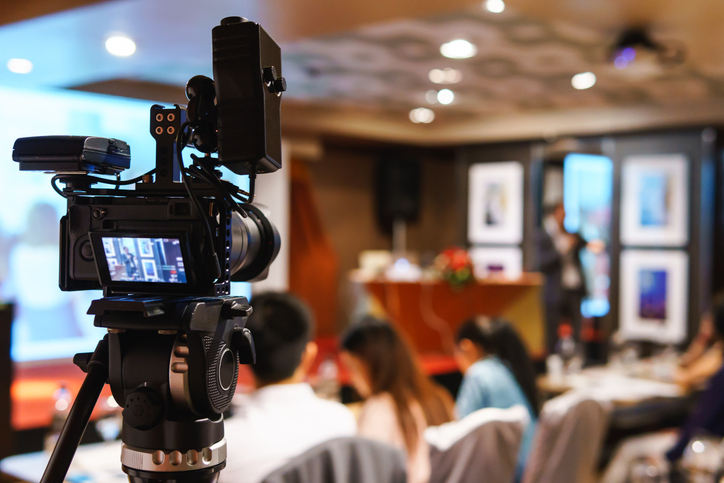
The Hidden Challenge: Two Audiences, Two Experiences
Every hybrid meeting must cater to two very different groups:
• The in room audience, who rely on natural conversation, shared space, and visual cues
• The online audience, who rely entirely on what the AV setup can capture and transmit
Problems begin when the setup is designed only for one audience, or when expectations don’t match what’s technically possible.
In many corporate and government boardrooms, fixed, built in systems are engineered for small, controlled, seated discussions. But when organisers move their events into external venues, scale up the room, change the seating style, or add interactive elements, those rigid setups simply don’t translate.
Event centres are designed for flexibility, rooms are constantly reconfigured, so permanent, fixed AV installations are often too restrictive to meet the changing needs of different event formats.
The result? Misaligned expectations, preventable frustration, uneven engagement, and hybrid experiences that fail to deliver for one audience, or both.
Why Low-Cost AV Options Often Cost More Later
A common scenario:
A client wants 40 people in a room and 10 people online. They assume everyone will see and hear each other clearly with minimal setup. But doing this properly requires:
- Multiple microphones with correct pickup ranges
- Cameras positioned to capture speakers and audience
- Mixing, routing and balancing audio
- Skilled technicians to manage it
Low‑cost venues may offer basic hybrid solutions at a fraction of the price, but these setups often compromise quality. Some rely on simple “spider mics,” single fixed cameras, or generic equipment not suitable for larger or dynamic events. And many outsource to external providers, surprising clients with additional fees after the booking is confirmed.
Educating bookers upfront helps them avoid these pitfalls and understand the value of a purpose‑built hybrid meeting environment.
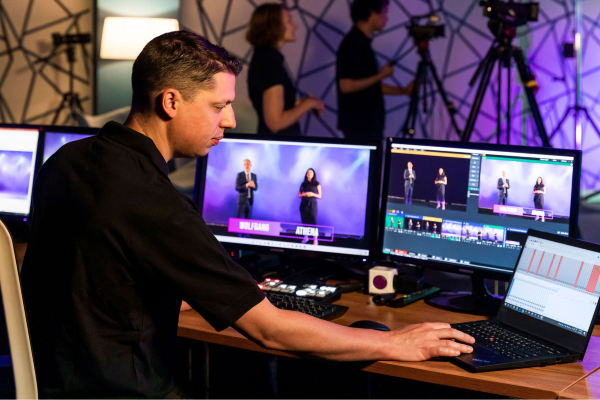
Recommended AV Setups by Audience Size
To ensure both physical and remote audiences have an equally strong experience, selecting the right AV configuration is essential. Below is a practical guide based on group size and what works best in each scenario.
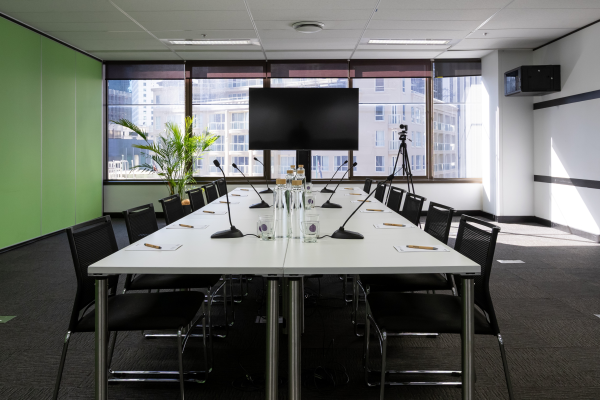
0–20 Physical Participants
Ideal for: Boardroom-style meetings, executive discussions
Recommended setup:
- Single camera at the front of the room
- Data projector or TV
- 3 table microphones (2.5m effective range)
- Boardroom layout only
Why it works:
Small groups remain close enough for clear audio pickup, and a single camera can capture the primary participants.
21–60 Physical Participants
Cost‑Effective Option
- Single fixed front-of-room camera (no speaker tracking)
- Data projector or TV
- Groups of 6 per table
- 1–2 push‑to‑talk microphones per table
Best Experience Option
- 1–2 truss-mounted rotating cameras with speaker tracking
- Data projector or TV
- Groups of 6 per table
- 1–2 push‑to‑talk microphones per table
Why it matters:
Once you exceed 20 participants, a boardroom mic setup will no longer capture everyone effectively. Table mics and improved camera coverage ensure remote attendees feel genuinely connected and not like distant observers.
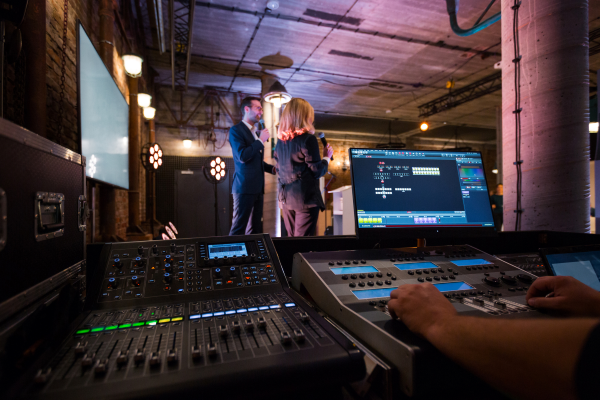
60+ Physical Participants
Ideal for: Large workshops, conferences, training days
Recommended setup:
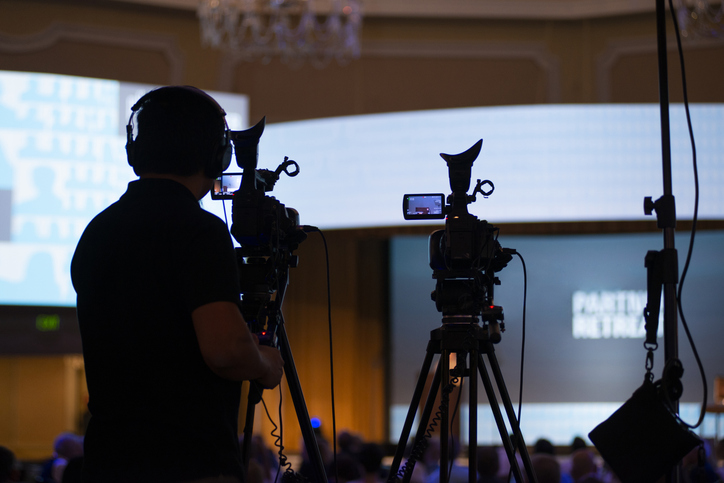
- 1–2 truss-mounted rotating cameras with speaker tracking
- Data projector or TV
- Groups of 6 per table
- 1–2 push‑to‑talk microphones per table
- Suitable for audiences up to 768 physical attendees
Why it works:
At this scale, dedicated tracking cameras and a disciplined microphone system are critical. Without them, remote attendees will struggle to follow who is speaking or see the room dynamics.
What Happens When AV Doesn’t Match the Audience Size?
Failing to scale your AV setup to the room size and event style leads to two major issues:
- Remote Audiences Disengage
If participants online can’t see the speaker or hear discussions clearly, they disconnect – mentally or literally. Poor audio quality is the number one reason remote attendees leave hybrid meetings early.
- Audio & Recording Quality Is Compromised
Hybrid meetings are often recorded for later use. If microphones can’t pick up all speakers, or if cameras don’t follow the action, the recording becomes patchy or unusable.


Helping Bookers Understand Their Options
Hybrid capability isn’t one-size-fits-all. The spectrum ranges from:
- Simple, low-budget roving microphones
- Mid-tier spider mics or fixed cameras
- Fully managed push‑to‑talk systems with intelligent tracking cameras
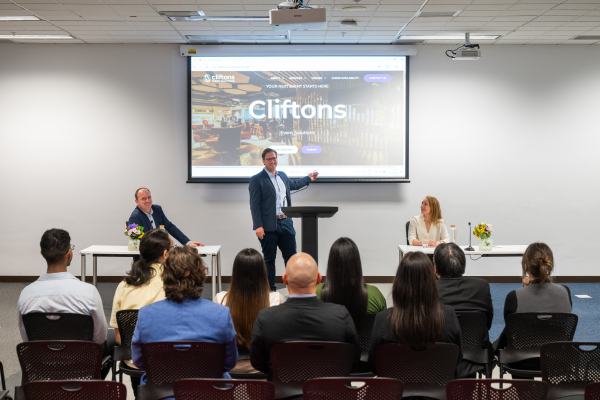
Cliftons’ role is not just to provide equipment, but to help clients understand what each option means for the experience, the engagement level, and the quality of the final outcome.
When clients understand the value behind the setup, they can make decisions confidently and avoid the disappointments that come from underestimating the AV requirements.
Ready to Elevate Your Next Hybrid Meeting?
Cliftons specialises in delivering hybrid experiences that treat both your in-room and remote audiences as full participants – not afterthoughts.
If you’d like help planning your next event or want personalised recommendations based on your meeting size and objectives, our team is here to assist.